
Island Boy AI Video GeneratorPut yourself in the pool
Recreate the Island Boy AI trend with your photos. Upload at least one photo for either role: the character on the pool edge or the singer in the water. An empty role keeps its default person; you can replace both. Compare your completed video with the original scene.
- Packs from $9.90
- 14-second scene
- Portrait · 9:16 MP4
- Allow about 5–15 minutes
01 / YOUR CAST
Cast your Island Boy video
Upload at least one photo for either role. Leave the other role on its default person or replace both. Use one clearly visible adult or pet per photo, and select the matching subject type.
AI-generated results vary. Use photos with permission and review your video before sharing.
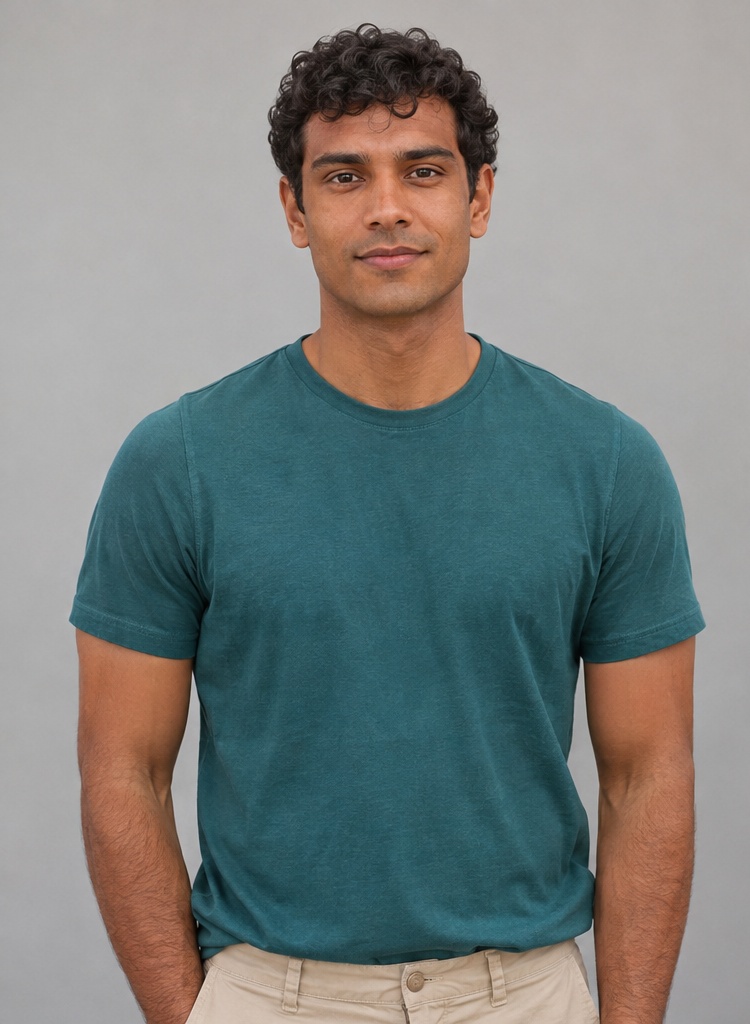 01 / On the pool edge
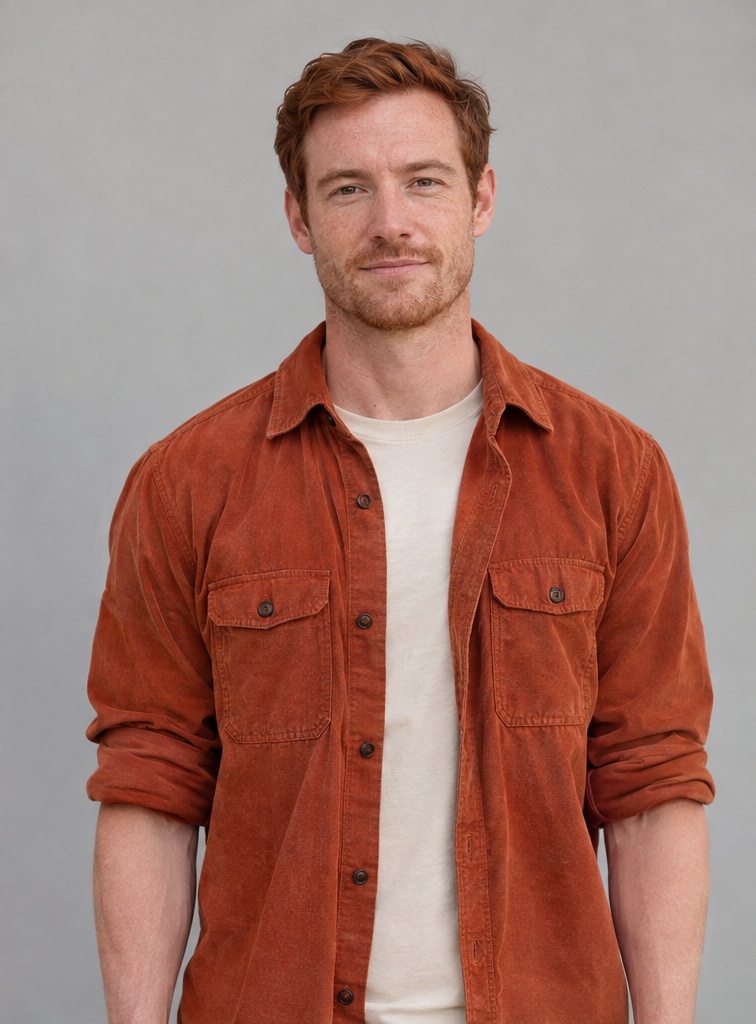 02 / Singing in the pool
What is the Island Boy AI meme?
The original Island Boy meme came from the Island Boys, Flyysoulja and Kodiyakredd. In October 2021, their poolside freestyle spread online: the twins performed a repeated “Island Boy” hook beside and inside a swimming pool. Their distinctive hair, tattoos, delivery and improvised pool setting made the clip instantly recognizable and inspired remixes and parodies. Flyysoulja also published an official Island Boy video on October 15, 2021. The original performance was a real recording; the later AI recreations are a separate development.
This version follows that later AI reinterpretation: Ausar AI’s Instagram reel The Walking Boys casts Walking Dead-inspired lookalikes in the familiar pool scene. One character sits on the pool edge while the other performs in the water. Our version uses your chosen people or pets in those two roles, follows a depth motion reference for the 14-second scene, and adds the prepared reference clip’s audio. It is an AI parody, not a real performance by your subjects, the Island Boys or the television actors. You can upload a photo for either role, customize both, or leave one role on its default character. The result is a 480p, 9:16 MP4; the complete process is explained below.
Make your Island Boy AI video in three steps
- 1
Upload photos
Upload a photo for either the pool-edge character or the singer in the water. You can replace both; an empty slot keeps its default person. Select Person or Pet for each uploaded photo.
- 2
Generate your video
The generator uses your photos for appearance and a depth reference for the scene’s positions, gestures and camera movement.
- 3
Download and share
Download the portrait MP4 when it is ready. Check the faces and movements before you share it.
Photos that work best
- Use one clearly visible person or pet per photo, with even lighting.
- “On the pool edge” = seated character; “Singing in the pool” = singer. Choose Person or Pet to match your photo.
- Avoid group shots, covered faces and heavily filtered pictures.
- Avoid extreme crops, dim lighting and blurry faces.
How your Island Boy AI video is made
Your photos define the cast. The prepared scene guides the performance so you can focus on choosing your people.
Two distinct characters
Upload at least one photo for “On the pool edge” or “Singing in the pool”. You can replace both; an empty role keeps its default character.
Photo 1: On the pool edge · Photo 2: Singing in the pool
The familiar performance
The scene follows the poolside composition, gestures and camera movement, with ready-made performance instructions.
One continuous 14-second scene, guided by the depth reference.
Your version, ready to compare
Your portrait MP4 includes the scene’s audio. Play it, compare it with the original and download it when ready.
Portrait MP4 with prepared scene audio.
What's in your Island Boy AI video
A continuous 14-second poolside shot with two roles, small camera shifts and changing gestures. These five time ranges describe the reference clip, not five edits or guaranteed action timings in your generated video.
- 01 · 00–02s
The seated character opens the scene
Both characters are visible from the first frame. The seated character looks toward the camera, moves his mouth and turns toward his companion. The character in the water looks down, with his hands near the waterline.
Photo 1: On the pool edge · Photo 2: Singing in the pool
- 02 · 02–05s
The character in the water looks up
The character in the water lifts his head, opens his mouth and raises his right hand into a small rhythmic gesture. The framing gradually gives him more space while the seated companion remains on the left.
Photo 1: On the pool edge · Photo 2: Singing in the pool
- 03 · 05–08s
Hands come together, then open out
The character in the water continues small hand motions, brings his hands together around six seconds and turns toward his companion. Later in this interval he opens his arms. The camera continues to favor him without a cut.
Photo 1: On the pool edge · Photo 2: Singing in the pool
- 04 · 08–11s
A smile and broader gestures
The character in the water smiles, moves his hands across his chest and opens them outward again. The seated companion watches and changes his head direction; both stay in the poolside scene as the handheld framing shifts.
Photo 1: On the pool edge · Photo 2: Singing in the pool
- 05 · 11–14s
The performance continues in the same take
The seated companion briefly looks toward the camera, then turns back toward the character in the water, who continues mouth movements and alternating hand gestures. The framing includes both characters through the end; there is no closing scene change.
Photo 1: On the pool edge · Photo 2: Singing in the pool
Island Boy AI: Why That Song?
The scene refers to the Island Boys pool performance. The AI remake keeps the familiar poolside setup and performance rhythm.
The generated clip uses a prepared scene audio track. Check audio rights before publishing, or choose licensed audio in your social platform’s library.
Before you pay: what to compare in any Island Boy AI generator
Check the real example and these details before you choose a generator.
| Feature | Island Boy AI Video Generator | What to check elsewhere |
|---|---|---|
| Cast | On the pool edge / Singing in the pool · replace either or both | How many photos and which roles can you replace? |
| Scene | Poolside composition, gestures and camera movement | Does the preview match the pool scene you want? |
| Prompt writing | Prepared for you; no prompt writing required | Is the scene prepared or must you write a prompt? |
| Video format | 14 seconds · 480p · 9:16 MP4 | Check duration, resolution, audio and download format. |
| Comparison | Original and generated video with a draggable comparison slider | Can you inspect a real example before committing? |
| Audio | Prepared scene audio combined with the generated footage | Is audio included, and do you have permission to share it? |
| Access | Sign in to create and manage your videos | Check sign-in requirements and availability before uploading. |
| Photos | Use authorized adult portraits; see the privacy policy. | Read upload handling, retention and deletion policies. |
| Download | Download the finished MP4 from your result panel. | Can you download the file, and when does access expire? |
What does an Island Boy AI video cost?
Island Boy AI videos use 10 credits each. Choose a one-time credit pack from $9.90 for a 14-second, 480p video with sound. No recurring subscription.
Island Boy AI video generator FAQ
What is the Island Boy AI meme?
The original meme is the Island Boys’ real poolside freestyle from October 2021, featuring Flyysoulja and Kodiyakredd. The AI trend recreates its recognizable setting and performance with a different cast. This version follows Ausar AI’s later Instagram reel The Walking Boys, an AI parody using Walking Dead-inspired characters. These are separate stages of the meme; the full background is explained on this page.
How does the Island Boy AI video generator work?
Upload at least one photo in either role and select Person or Pet for each upload. The other role uses its default person unless you replace it too. A depth motion reference and prepared prompt guide the complete 14-second scene, then the prepared reference audio is added. Choosing a photo updates the role thumbnail, not the demonstration clip.
How much does a video cost?
Each Island Boy AI video uses 10 credits, whether you replace one role or both. One-time credit packs start at $9.90; see the pricing page for all packs. If a generation fails, its credits are returned automatically. Unused packs can be refunded in full within 14 calendar days of the charge; see the refund policy.
Which photo works best?
Use one consenting adult or one pet per photo, facing the camera with even lighting. Keep faces unobstructed; for pets, show the ears and body outline clearly and select Pet. “On the pool edge” replaces the seated character; “Singing in the pool” replaces the singer. Use JPG, PNG or WebP up to 10 MB and at least 256 pixels on each side.
How long does it take?
Allow roughly 5–15 minutes for generation; this is an estimate, and busy model queues can take longer. Your task status is saved so you can return to check progress. Completed videos stay in My videos for 7 days; download the ones you want to keep.
What happens to my photos?
Your photos are checked for safety and sent to our generation providers to make your video. Our copy is deleted after a completed or failed task when cleanup succeeds, with a storage lifecycle rule scheduled to remove remaining uploads after 1 day. Completed videos are scheduled for deletion after 7 days. Provider retention is governed by their own policies. See our privacy policy.
Can I use someone else's photo?
Only upload photos you own or have explicit permission to use. Human subjects must be consenting adults; use pet photos you are allowed to use.
Is this affiliated with the Island Boys or Ausar AI?
No. This is an independent AI creation project, unaffiliated with the original performers, Ausar AI or any television franchise.
Do I need to sign up?
You can browse examples without signing up. Sign in to purchase credits, create a video and view your saved tasks. Each video uses 10 credits.
Is the Island Boy AI generator free?
Watching examples and using the comparison slider is free. Creating a video from your photos uses 10 credits. One-time packs start at $9.90; there is no free render or recurring subscription.
Can I see what the video looks like before I pay?
Yes, with examples. The slider at the top of this page compares the original reference clip with a real AI-generated example, so you can judge the scene, movement and framing. It is not a preview generated from your photos. Your own result will differ and likeness is close but not perfect, so use a sharp, evenly lit, front-facing photo.
Can I put more than one person in the pool?
There are two roles: a character on the pool edge and a singer in the water. Replace either one or both with people or pets. At least one upload is required; a blank role uses its default person. The whole 14-second scene is generated even if you upload only one photo.
What format is the video?
The current workflow produces a 14-second, 480p portrait MP4 with a 9:16 aspect ratio and prepared scene audio.
Can I download it without a watermark?
You can download your completed MP4. This site does not add a watermark during export; marks generated inside the picture by the AI model cannot be guaranteed absent.
Why does my face look off in the result?
AI can alter faces, clothing, anatomy and movement. Try a sharper, evenly lit, front-facing photo with one subject and no sunglasses or heavy filters. Check that the photo is in the intended role and that Person or Pet matches the subject; for pets, keep the ears and body outline visible. Exact likeness and frame-perfect lip sync are not guaranteed. A new render is a separate generation, so review your inputs before trying again.
Can I use it on my phone?
Yes. The form works on mobile browsers, and you can drag the comparison slider with your finger.
Can I post the result on TikTok?
You can download the MP4, but check that you have permission to use the photos and audio and follow the platform’s AI labeling requirements.
Can I put a friend or a pet in the video?
Yes. Use a consenting adult friend’s photo or a pet photo you are allowed to use, and select Person or Pet for that role. You can use a person and a pet or pets in both roles. For pets, show the face, ears and body outline clearly. AI may change animal features or movement; exact likeness is not guaranteed.
Is it the original song? Is it the real Island Boy performance?
The original 2021 Island Boys performance was real. Our output is an AI parody following the later Walking Boys reference, not footage of your subjects actually performing. We add the prepared audio from that reference clip after generating the picture; we do not record your voice or create a new performance by the original artists. It is not a guarantee of the complete original song or exact lip sync. This project is unaffiliated with the Island Boys, Ausar AI or any television franchise.
Can I make a video of a celebrity or public figure?
Do not upload celebrities, public figures, strangers, minors or anyone who has not explicitly agreed to this use.
How is an Island Boy AI video made?
Your uploaded people or pets supply the identities; a missing role uses its default person. The selected subject types determine the performance prompt. A depth motion reference guides one continuous 14-second scene, which is trimmed and combined with the prepared scene audio as a 480p, 9:16 MP4.